
Menu
Important: This documentation is about an older version. It's relevant only to the release noted, many of the features and functions have been updated or replaced. Please view the current version.
Documentation Grafana documentation
Administration
Manage users and permissions
Manage users in an organization
View a list of organization users
Grafana documentation
Administration
Manage users and permissions
Manage users in an organization
View a list of organization users
Grafana documentation
Administration
Manage users and permissions
Manage users in an organization
View a list of organization usersEnterprise
Open source
View a list of organization users
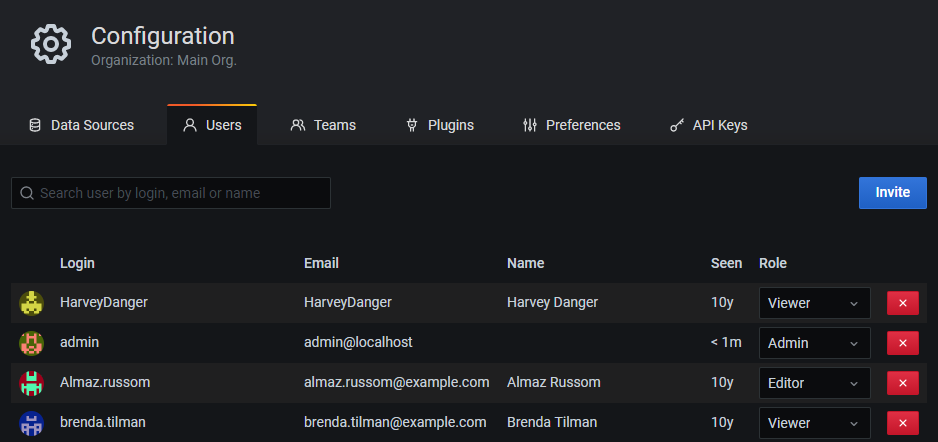
You can see a list of users with accounts in your Grafana organization. If necessary, you can use the search field to filter the list.
Before you begin
- Ensure you have organization administrator privileges
To view a list of organization users:
- Sign in to Grafana as an organization administrator.
- Hover your cursor over the Configuration (gear) icon in the side menu and click Users.
Note: If you have server administrator permissions, you can also view a global list of users in the Server Admin section of Grafana.


